
PID tuning transforms a shaky, oscillating quad into a locked-in flying machine. While Betaflight’s stock PIDs fly most builds acceptably, understanding how to tune will make the difference between fighting your quad and it reading your mind. This guide explains each term, how to identify tuning problems, and walks through a practical tuning process that works for any build.
1. What P, I, and D Actually Do
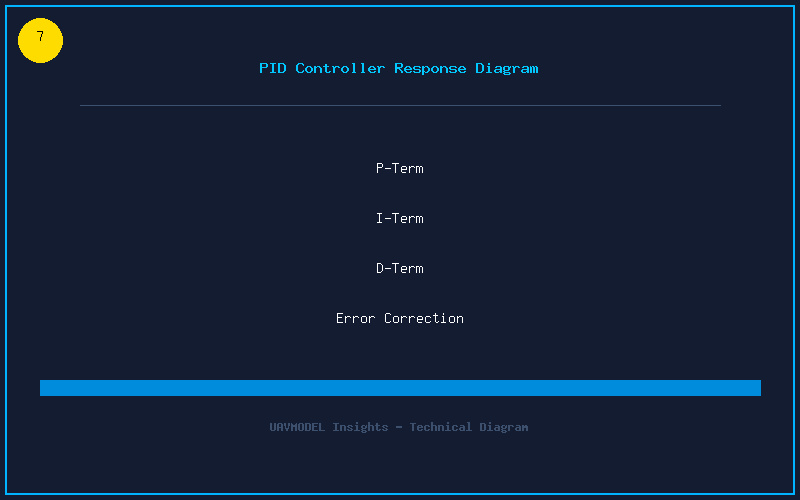
The PID controller is a feedback loop running thousands of times per second. It measures the difference between where the quad is and where you are telling it to be, then applies corrective motor commands. Each term has a specific job:
- P (Proportional) — Reacts to the current error. Higher P makes the quad more responsive and “snappy.” Too high and it overshoots, causing oscillation. Too low and it feels mushy and delayed.
- I (Integral) — Corrects for steady-state error over time. I-term handles external forces like wind, off-center CG, or a bent prop. It holds attitude. Too high causes slow oscillation and excessive I-term windup (visible in the Sensors tab). Too low and the quad drifts or feels loose.
- D (Derivative) — Predicts future error by looking at the rate of change. D-term acts as a damper, smoothing out P-term’s rapid corrections. Higher D reduces bounce-back after flips and rolls. Too high introduces high-frequency noise and burns motors. Too low results in overshoot and bounce.
Think of it like a car’s suspension: P is the spring stiffness, D is the shock absorber, and I is the self-leveling system that keeps the car level despite uneven weight distribution.
2. Common Tuning Problems and Their Symptoms
Learn to identify these issues from flight feel and blackbox logs:
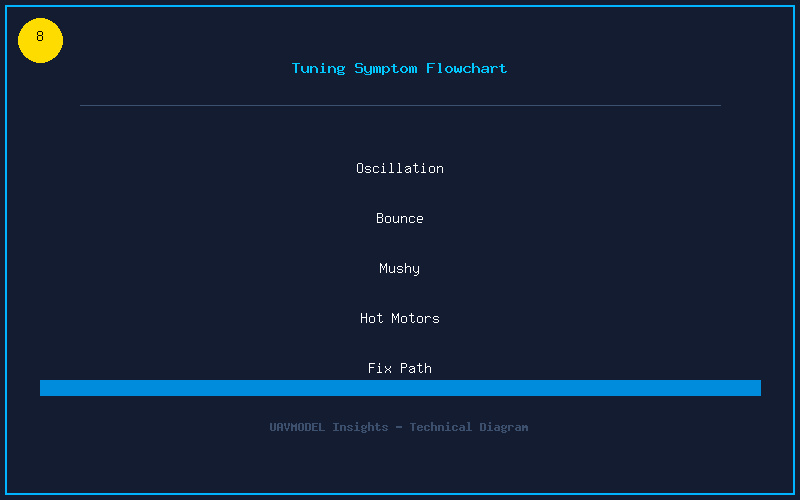
| Symptom | Likely Cause | Fix |
|---|---|---|
| Fast wobble / jello in FPV feed | P too high or D too low | Lower P or raise D on affected axis |
| Bounce-back after flips/rolls | D too low or P too high | Raise D, or lower P slightly |
| Slow oscillation (1-2Hz wobble) | I too high | Lower I on affected axis |
| Hot motors after 30 seconds hover | D too high (noise amplification) | Lower D, check for mechanical noise |
| Mushy / delayed stick feel | P too low | Raise P on affected axis |
| Propwash oscillation on descent | D too low, or P:I ratio off | Raise D, tune I-term relax |
| Twitching at idle / low throttle | D min too low or dynamic idle wrong | Adjust D Min and idle settings |
3. Betaflight Slider Tuning — The Easy Way
Betaflight 4.3+ introduced slider-based tuning that works remarkably well for most pilots. You can find flight controllers with Betaflight pre-installed at UAVMODEL for a quick start.
- Set your build type. In the PID Tuning tab, select your frame type (Freestyle, Racing, Cinematic, etc.) and prop size.
- Adjust the master multiplier. Start at 1.0. Fly a test pack. If the quad feels too aggressive with slight oscillations, drop to 0.9. If it feels loose, raise to 1.1.
- PD Balance and P:D Ratio sliders. These fine-tune the relationship between P and D. For most builds, leave PD Balance at center (0.5-0.7) and use P:D Ratio to adjust. Higher P:D Ratio means more P relative to D (sharper response, more oscillation risk). Lower means more damping.
- I-term slider. Adjust independently. For racing, run lower I for snappier stops. For cinematic, run higher I for rock-solid wind handling.
- TPA (Throttle PID Attenuation). Reduces P and D at high throttle where aerodynamic forces amplify corrections. Start at 0.15 breakpoint 1350 for 5-inch builds.
4. Manual PID Tuning Process (For Advanced Users)
If sliders do not get you where you want, here is the manual process, axis by axis:
- Set all D to 20. This gives you a stable baseline without excessive D-term noise.
- Tune P (Roll first). Raise P until you see fast oscillation in flight or hear motors “chirping.” Then back off 10-15 percent. Repeat for Pitch. Yaw P is typically left at default or slightly higher.
- Tune D. Perform hard flips and rolls. If you see bounce-back at the end, raise D on that axis until bounce disappears. If motors run hot, you have gone too far — back D off.
- Tune I. Fly in moderate wind. If the quad holds attitude, I is fine. If it drifts or dips in corners, raise I in small increments. Stop if you see slow oscillation.
- Fine-tune with Feed Forward. Feed Forward predicts stick movement and adds motor command before the PID loop responds. Higher FF means snappier stick feel with less PID work. Start at 100-120 and adjust to taste.
5. Filter Tuning — The Hidden Half of PID Tuning
PID tuning is only half the story. Dynamic notch filters, RPM filtering, and gyro LPF settings dramatically affect how high you can push your P and D gains:
- RPM filtering is mandatory. Enable bidirectional DShot and set RPM filter harmonics to 3. This removes motor noise at the source, allowing higher P and D without hot motors.
- Dynamic notch filter. Set to 4 notches, range 80-500Hz. It automatically tracks the frame’s resonant frequency and removes it.
- Gyro LPF. Start with the Betaflight default slider position. Moving it right (less filtering) gives less delay — great for racing — but more noise reaches the PID loop. Moving it left reduces noise at the cost of slight control delay.
- D-term LPF. D amplifies noise, so this filter is critical. Start at the default slider 2 position. If motors are hot, move slider left. If you need sharper response, move right carefully.
Tuning is an iterative process. Make one change at a time, test fly, and take notes. A well-tuned quad is unmistakable — it feels like an extension of your thumbs rather than something you are fighting.