
TPU (thermoplastic polyurethane) is the unsung hero of FPV drone durability. This flexible filament absorbs impacts, isolates vibrations, and protects expensive electronics in ways rigid materials simply cannot. From camera mounts to antenna protectors, 3D printed TPU parts are essential for any serious build. This guide covers the best TPU accessories you can print today and how to get perfect prints every time.
1. Why TPU Is Essential for FPV Drones
Unlike rigid materials like PLA or PETG, TPU flexes under load and returns to its original shape. This property makes it ideal for drone parts that need to absorb crash energy, dampen vibrations, or grip components securely. The right TPU parts can mean the difference between a broken camera and a bent mount that pops right back. You can find quality TPU filament and drone accessories at UAVMODEL.
2. TPU Filament Selection — Shore Hardness Matters
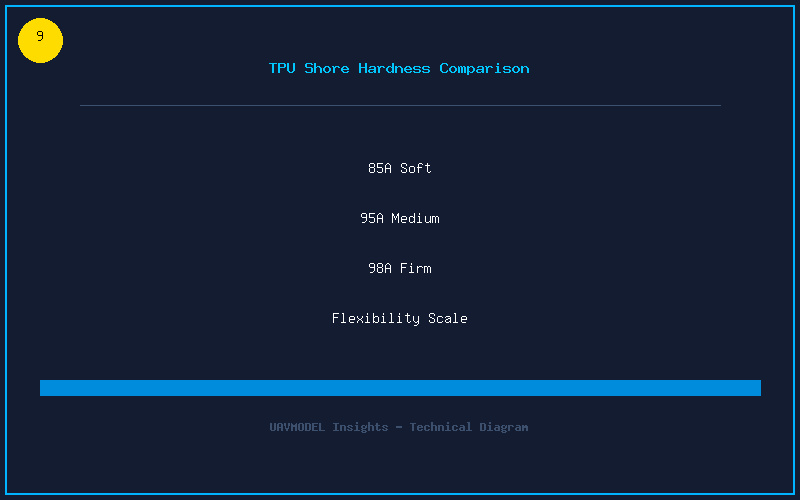
TPU comes in different hardness ratings measured on the Shore A scale:
| Shore Hardness | Flexibility | Print Difficulty | Best Uses |
|---|---|---|---|
| 85A | Very flexible (rubber band) | Hard — direct drive required | Soft isolation grommets, wire sleeves |
| 95A | Flexible (shoe sole) | Moderate — direct drive recommended | Camera mounts, antenna protectors |
| 98A | Stiff-flexible (phone case) | Easy — Bowden capable | Arm guards, landing skids, GoPro mounts |
| 64D | Rigid-flex (hard hat) | Easy — prints like PETG | Structural spacers, rigid mounts |
For most FPV parts, 95A is the sweet spot. It is flexible enough to absorb impacts while being stiff enough to hold a camera angle and keep screws tight. SainSmart, Overture, and NinjaTek all make excellent 95A TPU.
3. Essential TPU Print Settings
TPU can be frustrating to print if your settings are wrong. Here is what works:
- Nozzle temperature: 220-240°C. Start at 230°C and adjust based on layer adhesion.
- Bed temperature: 40-60°C. TPU sticks extremely well to PEI. Use glue stick as a release agent on smooth PEI — TPU can bond too strongly and damage the surface.
- Print speed: 20-30mm/s. TPU needs slow and steady printing. Faster speeds cause the filament to compress and jam in the extruder.
- Retraction: Disable or use very short retraction (0.5-1mm). TPU stretches instead of retracting properly. Too much retraction distance causes jams.
- Part cooling: 30-50 percent fan. Moderate cooling improves overhangs without compromising layer adhesion.
- Infill: 50-100 percent. Higher infill increases stiffness. A camera mount at 100 percent infill acts almost like a rigid part.
- Direct drive extruder: Highly recommended. Bowden setups can print 98A TPU but struggle with softer grades.
4. Must-Print TPU Parts for Your Drone
Here are the TPU parts every FPV pilot should have in their toolkit:
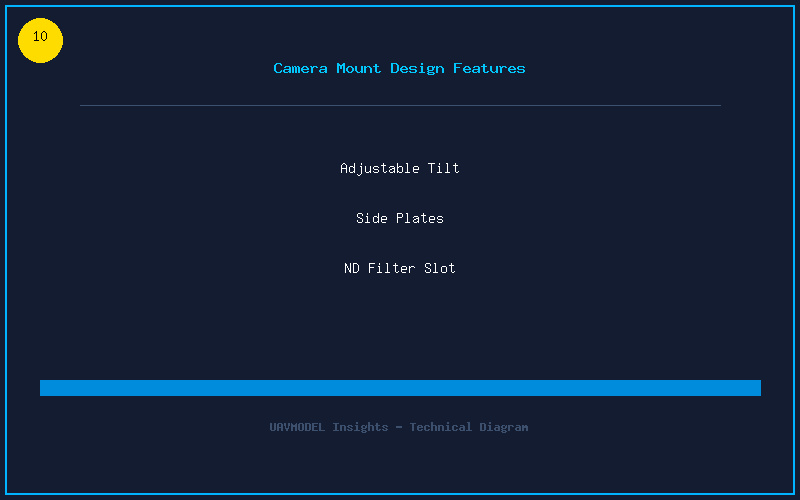
- Camera mounts (front and side plates). The single most important TPU part. A flexible camera mount absorbs direct impacts and keeps your expensive FPV camera safe. Most frames have community-designed TPU camera cages on Thingiverse or Printables.
- GoPro / Action Camera Mount. TPU GoPro mounts with an ND filter slot provide vibration damping while keeping your footage smooth. The Brain3D design is the gold standard with 20-35 degree adjustable angle.
- Antenna mounts and protectors. TPU antenna tubes or “lollipop” holders keep your VTX and receiver antennas secure. The Immortal-T mount for ELRS is a classic that prints perfectly in 95A.
- Arm protectors / skid plates. Thin TPU caps on the bottom of motor arms protect carbon fiber from gravel and asphalt landings. They are consumable — print a dozen.
- Battery pads and landing skids. TPU skids prevent the battery from touching the ground and add grip to prevent ejection during hard maneuvers. The Ummagawd-style skids are popular for freestyle.
- GPS and buzzer mounts. Secure your GPS module and buzzer with TPU brackets that absorb vibration instead of transmitting it to the flight controller.
5. Design Tips for Custom TPU Parts
If you design your own TPU parts in Fusion 360, Tinkercad, or Onshape, follow these principles:
- Thick walls: Design 3-4mm walls for structural TPU parts. Thin walls flex too much and can tear.
- Compression fits: TPU grips components best when slightly undersized. Design standoff holes 0.2mm smaller than the standoff diameter.
- No sharp corners: Radius all internal corners. Sharp corners in flexible materials create tear points.
- Print orientation awareness: Design parts so load-bearing features are printed in the XY plane (strong layer adhesion) rather than relying on Z-axis bonding.
TPU is the material that makes 3D printing genuinely useful for drone builders. A well-designed TPU camera mount or antenna protector will outlast the drone itself. Stock up on 95A filament, find the community designs for your frame, and print spares before you need them.