
Reading Blackbox Logs to Diagnose FPV Performance Issues
Blackbox logging is the closest thing FPV pilots have to an airplane black box. Every oscillation, every twitch, every desync leaves a trace in the log. Learning to read blackbox data transforms your troubleshooting from guesswork into precision engineering. Here is how to make sense of the numbers.
Enabling Blackbox Logging
Most F4, F7, and H7 flight controllers include onboard flash memory for logging, typically 8 MB to 32 MB. In the Betaflight Blackbox tab, set the logging rate to 1 kHz or 2 kHz. 1 kHz captures one sample per millisecond — enough resolution for analyzing PID and gyro behavior. 2 kHz doubles the detail but fills flash memory twice as fast. For general tuning, 1 kHz at 50 percent debug mode is a good balance.
If your FC lacks onboard flash, you can log to an external OpenLager device connected to a UART. OpenLager supports microSD cards up to 32 GB, enough for hundreds of flights.
What to Look For
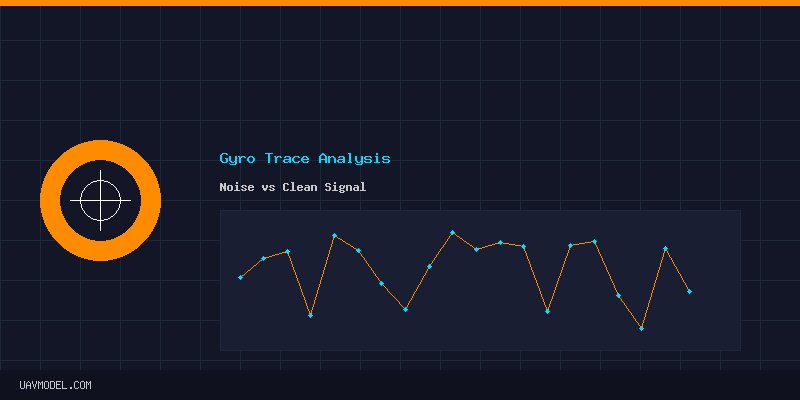
Open your log file in Betaflight Blackbox Explorer or the web-based Plasmatree tool. The first graph to inspect is the gyro trace for each axis (roll, pitch, yaw). A clean gyro trace shows small, random noise with no repeating patterns. If you see large amplitude oscillations at a specific frequency, you have a mechanical issue — bent motor shaft, unbalanced prop, loose arm, or delaminated frame.
Next, overlay the PID setpoint with the gyro trace. The setpoint is where the flight controller wants the quad to be; the gyro is where it actually is. If the gyro lags significantly behind the setpoint, your P gain may be too low. If the gyro overshoots and rings (oscillates after a sharp input), P is too high or D is too low.
Common Problems and Their Signatures
- Mid-throttle oscillations: A wobble that appears between 40 to 60 percent throttle. In the blackbox, this shows as noise at the motor RPM frequency. Solution: Enable RPM filtering, or adjust the dynamic notch filter to capture the specific frequency peak.
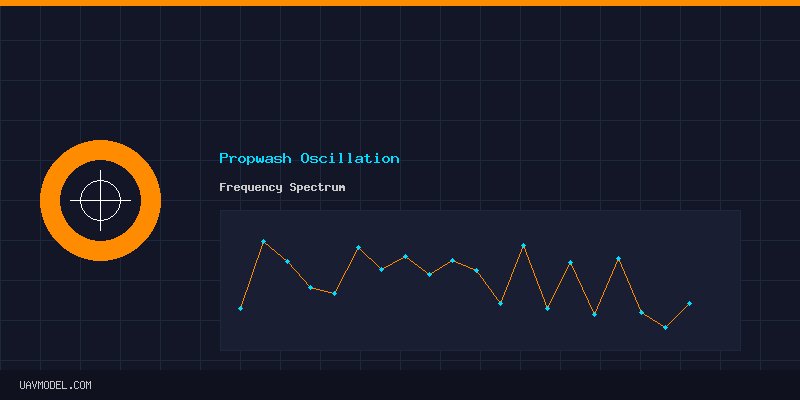
- Propwash at zero throttle: The quad shakes violently when descending through its own turbulence. The gyro shows low-frequency oscillations (10 to 40 Hz) on pitch and roll. Solution: Increase D gain on pitch and roll, or raise the I-term relax cutoff.
- Yaw twitches: Random sharp spikes on the yaw gyro axis that do not correspond to stick input. Usually caused by electrical noise from the VTX, ESC, or motor wires coupling into the gyro. Solution: Add a capacitor (1000 uF 35V low-ESR) to the battery pads, and ensure motor wires are twisted and routed away from the FC.
- Motor desync: One motor stops mid-flight and the quad spins to the ground. In the log, the motor command for that ESC suddenly drops to zero while the others spike. Usually caused by excessive D gain or a failing ESC. Reduce D gain by 10 percent on the affected axis or replace the suspect ESC.
Using the Step Response Tool
Betaflight 4.6 includes a step response tool in the PID Tuning tab. It applies a sharp stick input and measures how the quad responds. The ideal response is a clean step with minimal overshoot and one or two small oscillations that decay quickly. If you see more than two oscillations after the step, reduce P or increase D.
Real-World Tuning Flow
Fly a full pack with blackbox logging enabled. Land, download the log, and open it in the Explorer. Check gyro traces for noise, overlay PID setpoints to check tracking, and identify any throttle ranges where the quad misbehaves. Make ONE change at a time — adjust P by 5 points, or D by 3 points — then fly another pack and compare logs. Systematic tuning beats random slider dragging every time.
What is the weirdest blackbox issue you have diagnosed? Share your war stories in the comments!